
Applications
A brand only matters once something gets made. Here everything comes together in real pieces, from a social post to a poster, and every one should look like the same hands made it.
Grid and spacing
Institutional formats use the same 8-point spacing. Margins grow with the format, and the logo keeps one corner of a template in every size, so pieces still line up as a set. Cards take a corner radius of 16–24 px. Buttons and tags are fully rounded. FUN can adapt the grid, spacing and treatments on Visual identity; the dimensions below are starting formats to confirm with production.
| Format | Size | Margin | Note |
|---|---|---|---|
| Post 4:5 | 1080 × 1350 px | 64 px | |
| Square 1:1 | 1080 × 1080 px | 64 px | |
| Story 9:16 | 1080 × 1920 px | 64 px | Keep 240 px free top and bottom |
| Banner 16:9 | 1920 × 1080 px | 96 px | |
| Poster | A1 · A2 portrait | 5% of short side | |
| Roll-up | 850 × 2000 mm | 60 mm | Nothing important in the bottom 400 mm |
| Stage screen | 3840 × 2160 px | 160 px | Navy ground |
Layouts
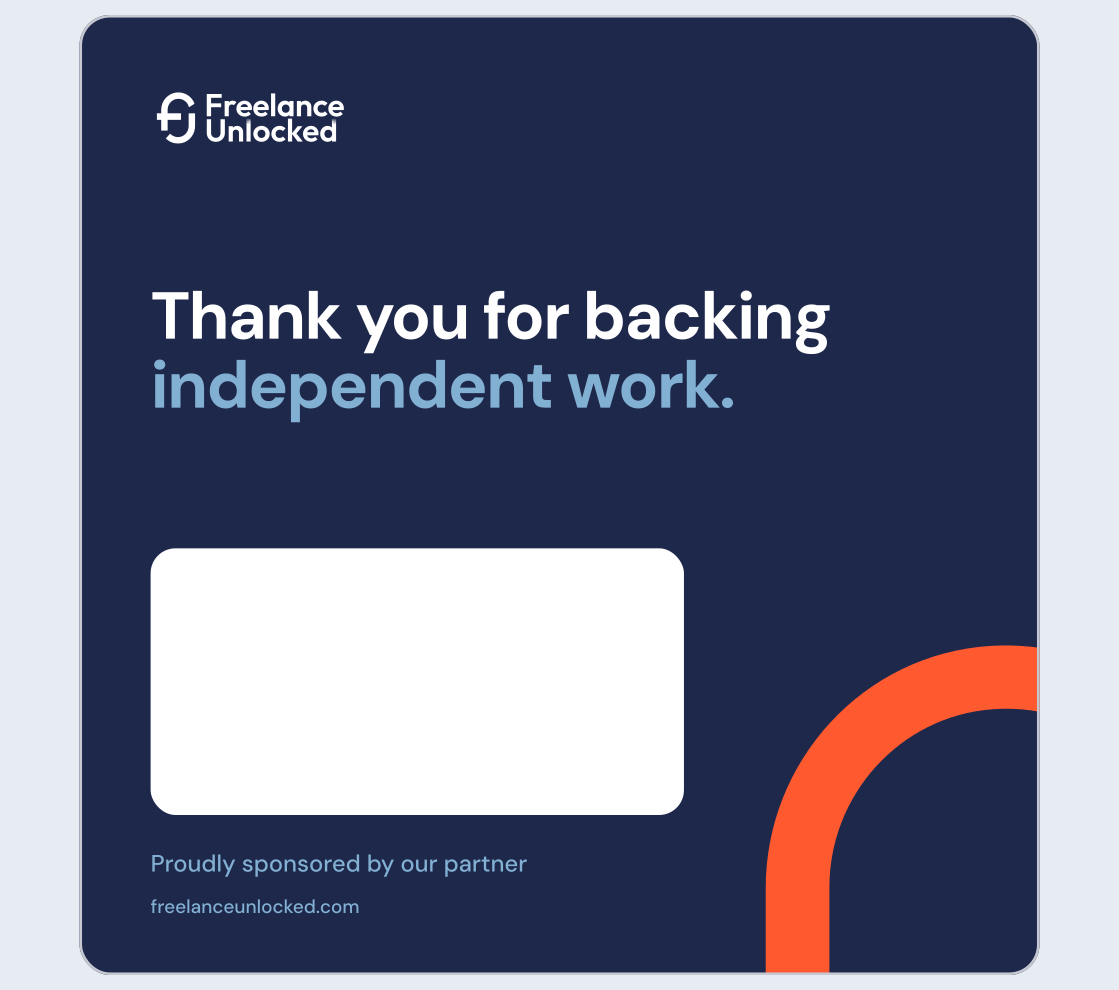
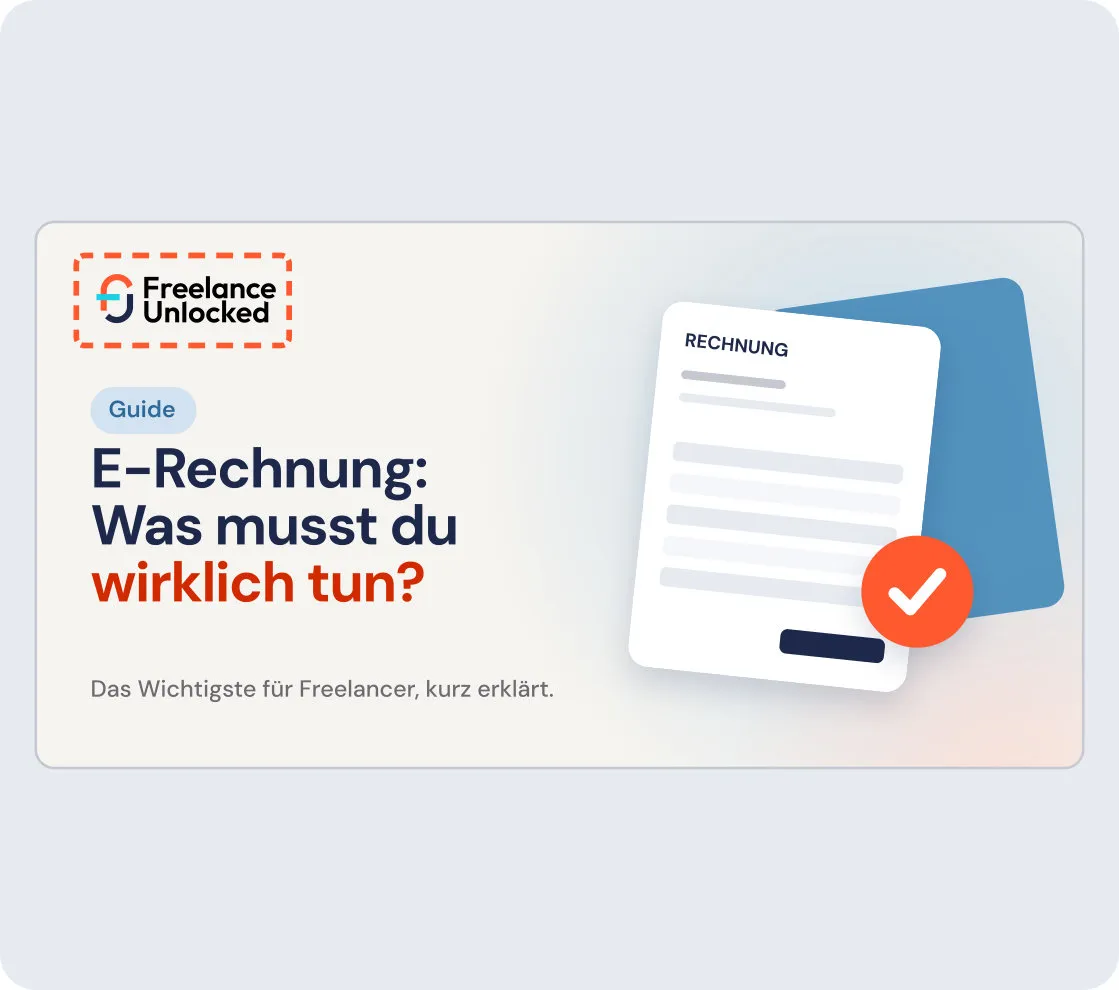
A layout stays calm so the information is easy to find. The same choices, made the same way, keep a set of pieces reading as one. See Typography, Colour, Shapes and Logo.
Social
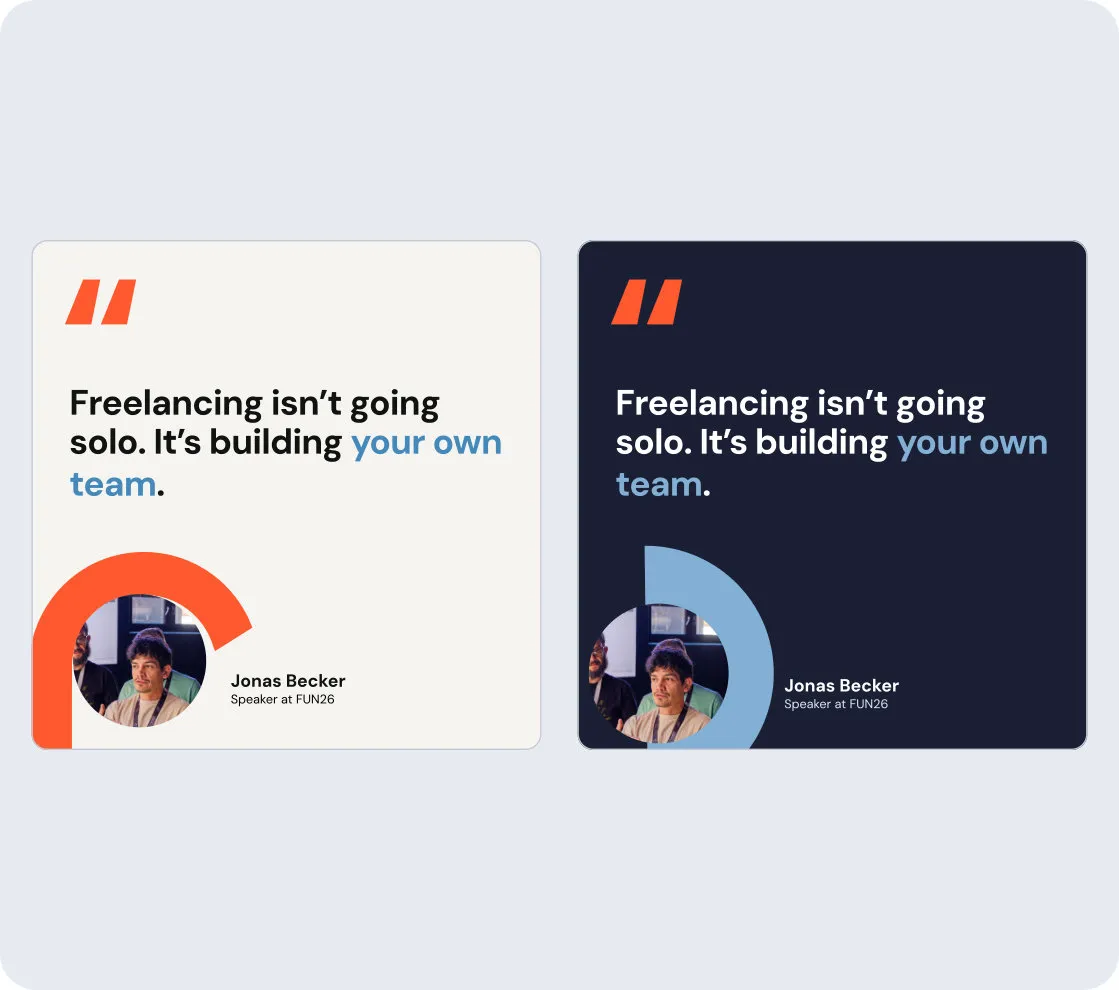
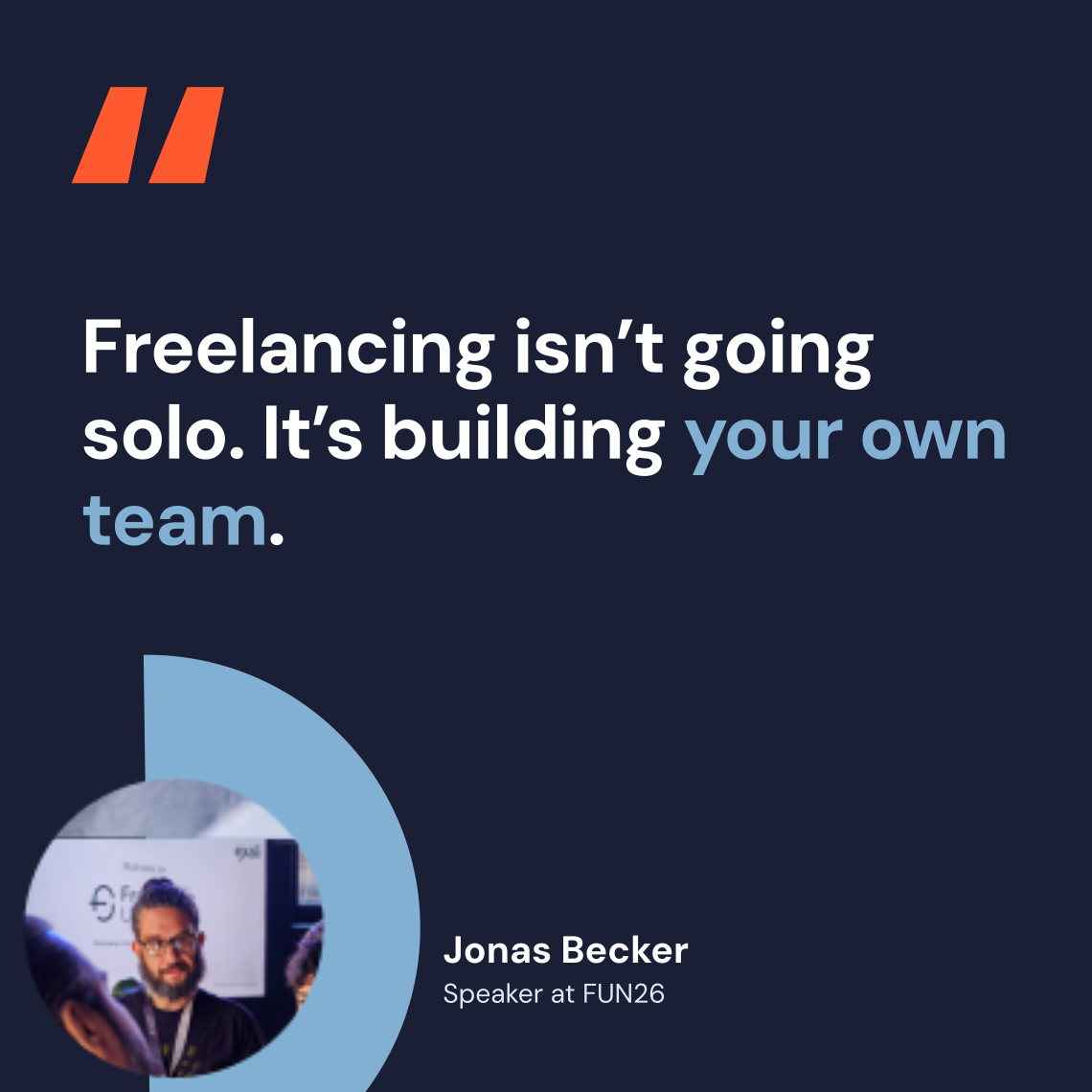
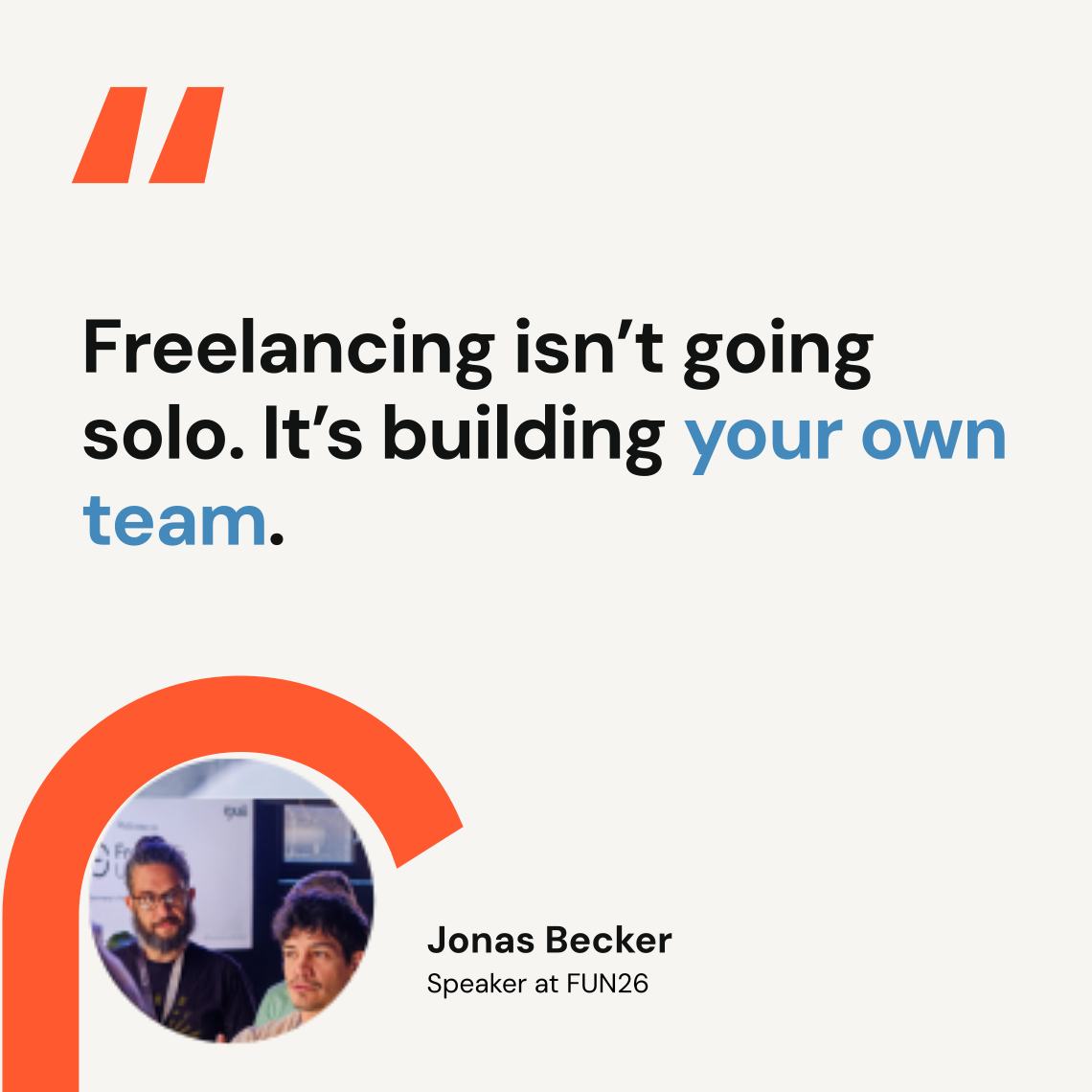
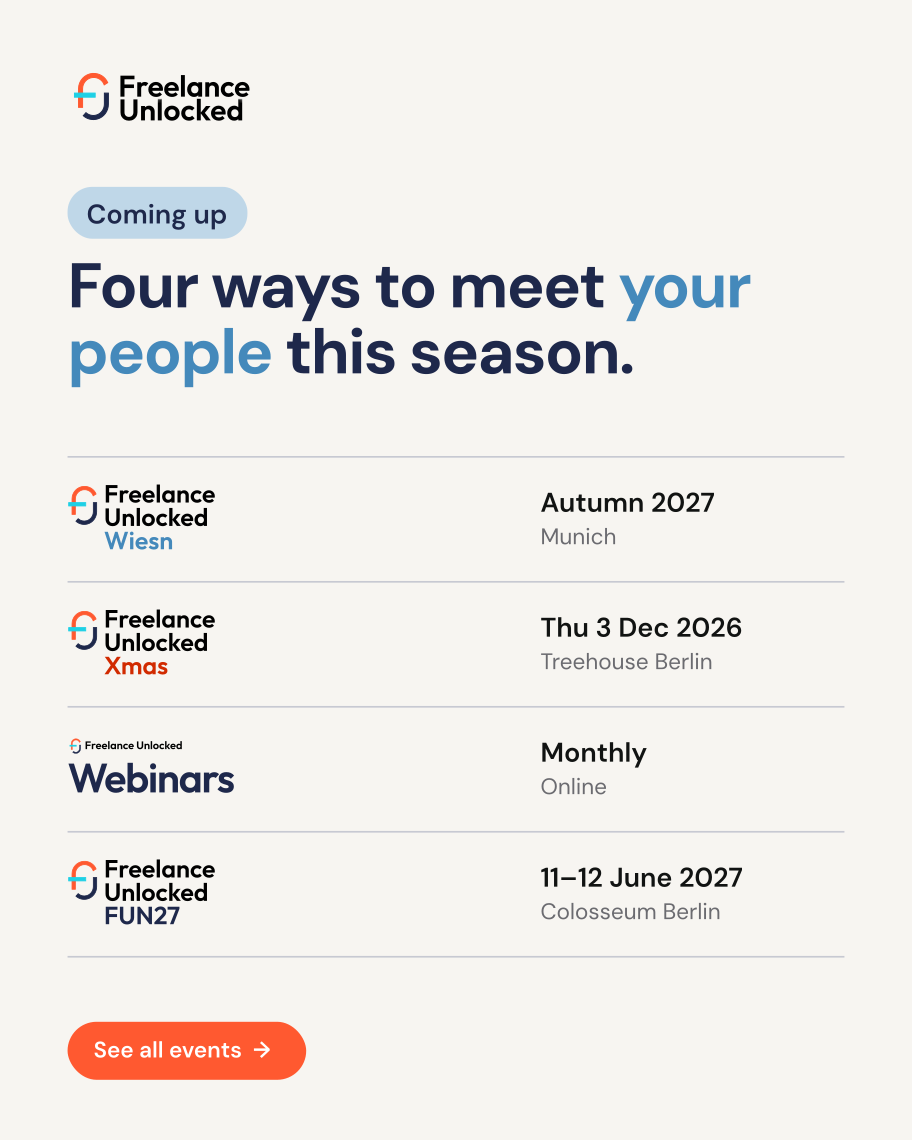
Every post starts from a template, so it is recognisable before anyone reads it. One ground per post, Off White or navy, alternating across the feed. Quotes take a coral quote mark. Portraits use the frames from Photography.
Website
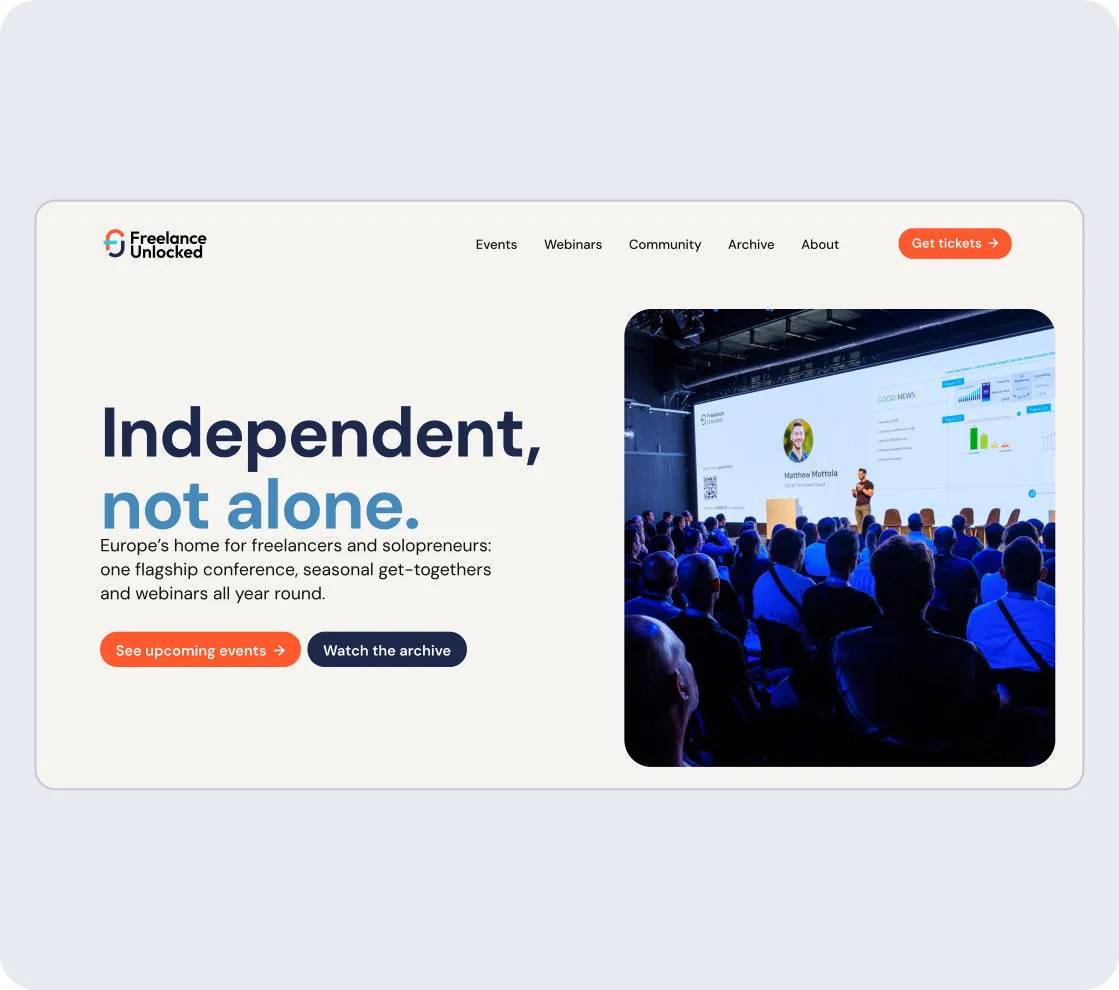
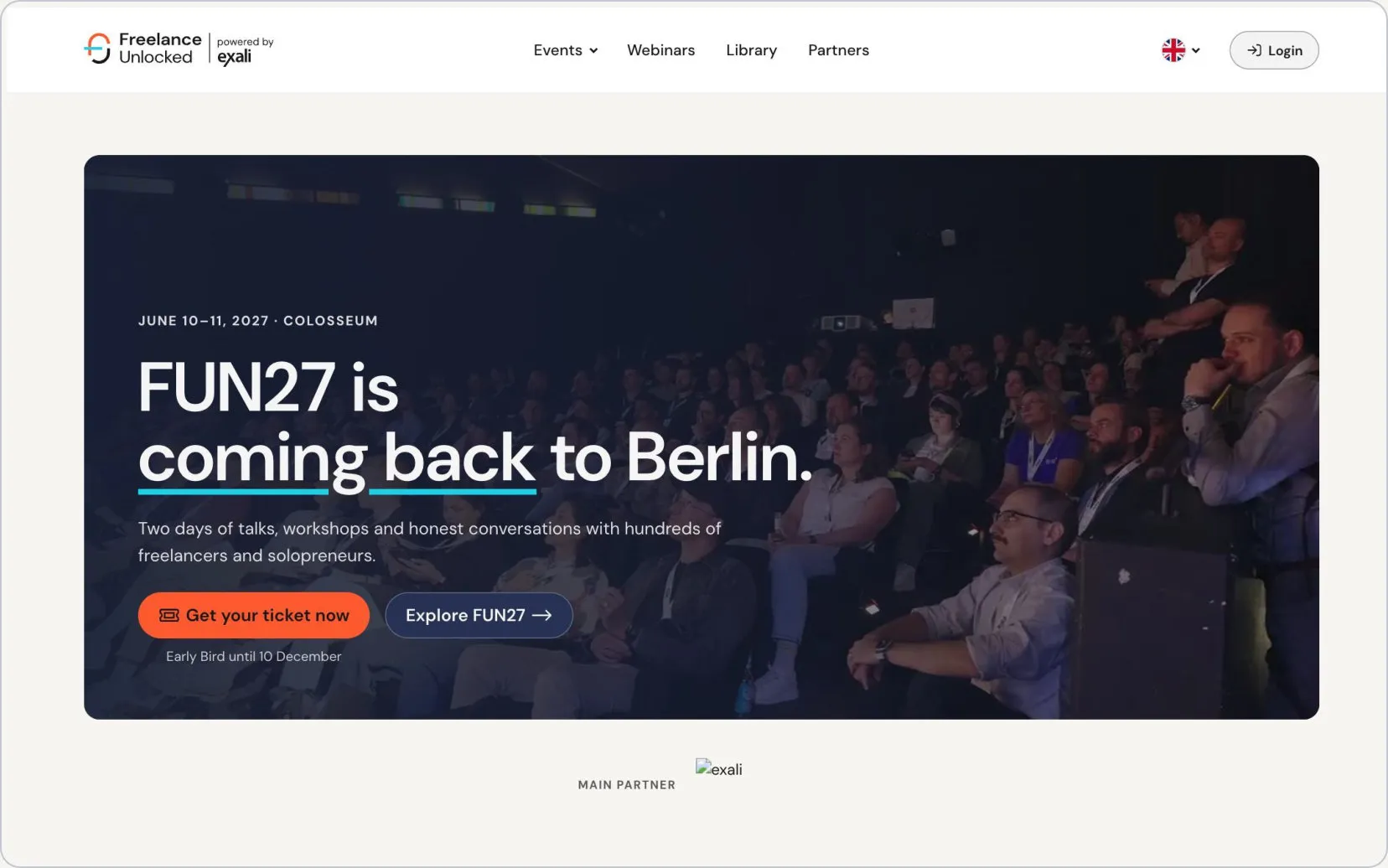
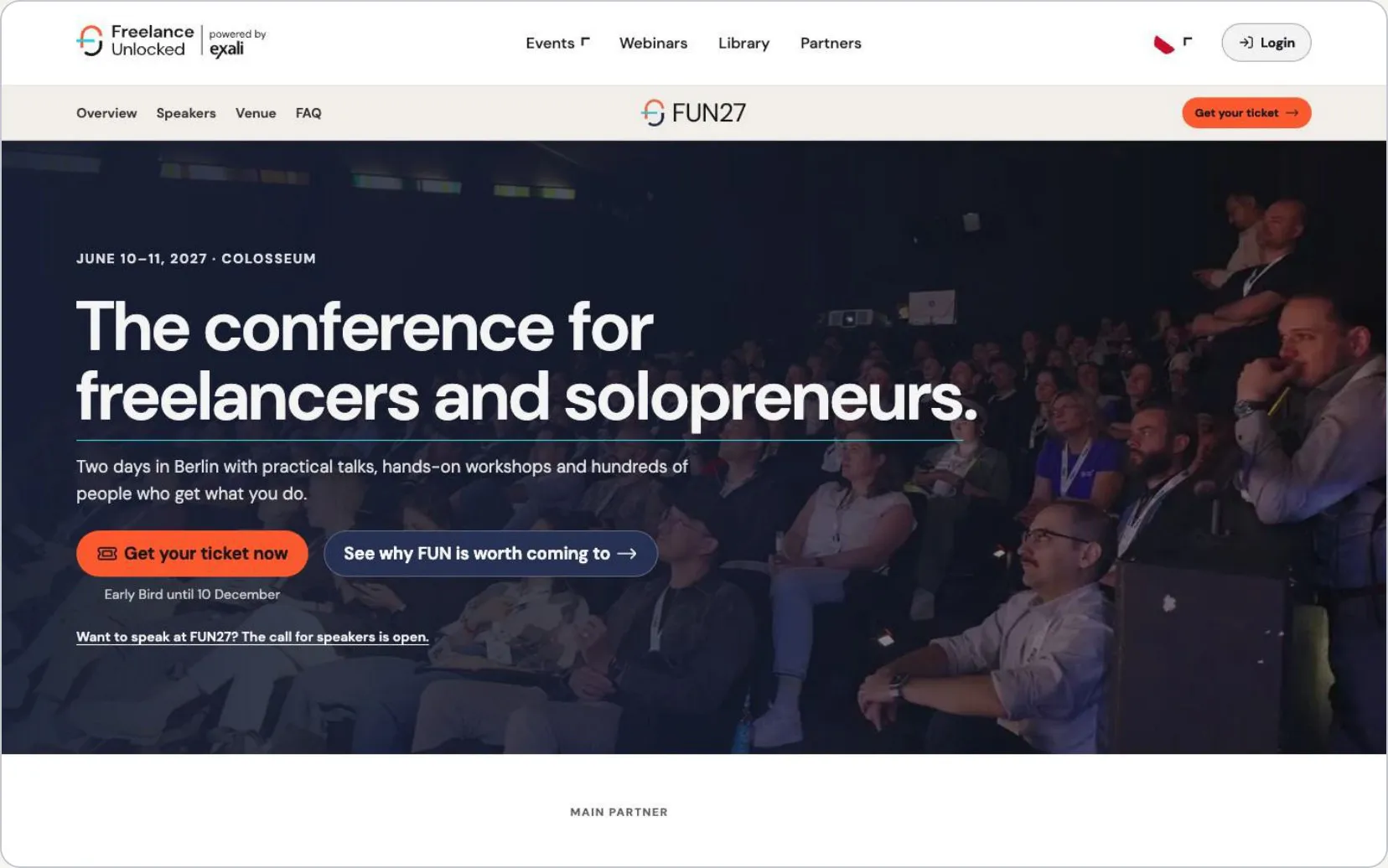
The website is the brand’s home. The homepage carries the institutional look. The FUN page starts from that structure and can adapt it to the year’s theme while keeping navigation familiar. How the theme works is on Visual identity.
Presentations
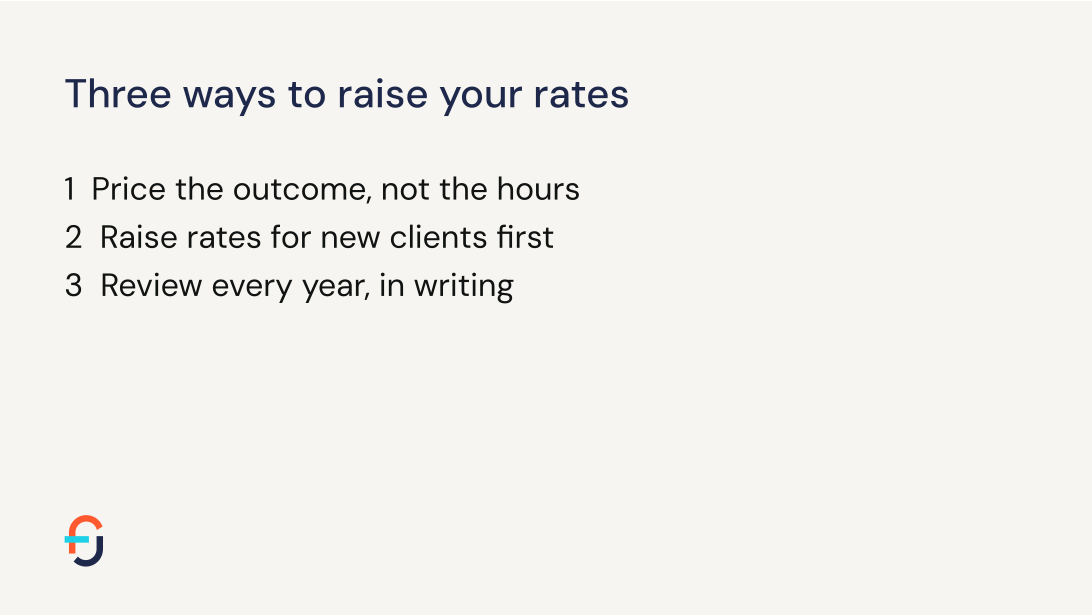
In a webinar or a partner deck, people are there for the content, not for us. The logo opens the deck and closes it, and steps aside in between. Off White is the default. Use navy for a title or section slide if the room is dark. The logo never sits over a photo, a chart or the speaker’s content. A speaker’s own deck only needs the symbol on the title slide. Stage slides at FUN follow their own guidance.

Check colour, the file and the resolution before anything goes to the printer. These CMYK values are the start for coated stock. Uncoated papers print duller and warmer, so proof Coral, Sky and Navy on the chosen paper.
- Coral
- HEX
- #FF5930
- RGB
- 255 89 48
- CMYK
- 0 65 80 0
- Coral 700 · Xmas
- HEX
- #D12A00
- RGB
- 209 42 0
- CMYK
- 0 80 100 20
- Coral 100
- HEX
- #FFD9CE
- RGB
- 255 217 206
- CMYK
- 0 15 20 0
- Sky (Blue 100)
- HEX
- #BFD7E8
- RGB
- 191 215 232
- CMYK
- 20 5 0 10
- Blue 500 · Wiesn
- HEX
- #4489BB
- RGB
- 68 137 187
- CMYK
- 65 25 0 25
- Blue 700
- HEX
- #2D6A99
- RGB
- 45 106 153
- CMYK
- 70 30 0 40
- Navy
- HEX
- #1B1F35
- RGB
- 27 31 53
- CMYK
- 50 40 0 80
- Logo Navy
- HEX
- #1E284B
- RGB
- 30 40 75
- CMYK
- 60 45 0 70
- Slate (Navy 300)
- HEX
- #5C6E8A
- RGB
- 92 110 138
- CMYK
- 35 20 0 45
- Off White
- HEX
- #F7F5F1
- RGB
- 247 245 241
- CMYK
- 0 0 0 5
- Mid Grey
- HEX
- #C7C9D2
- RGB
- 199 201 210
- CMYK
- 5 5 0 20
- Ink
- HEX
- #111312
- RGB
- 17 19 18
- CMYK
- 10 0 5 95
| Check | Rule |
|---|---|
| Files | PDF/X-4, CMYK, fonts embedded or outlined, colour profile as the printer specifies. |
| Bleed | 3 mm bleed and 5 mm safe zone on small formats. Large formats follow the printer, usually 10 mm or more. |
| Images | 300 ppi at final size up to A3. 150 ppi for A2 to A0. 100 ppi for banners read from 3 m or more. This applies to photos too. |
| Faces | On walls and roll-ups, keep faces between 1.2 and 1.9 m from the floor. |
| Dark areas | The CMYK values above, never registration black. |
| File name | Project, format, size, version. FUN27_Poster_A1_v2.pdf. |
| Handoff | Final files in the project’s print folder, with a PDF proof. |